1. Canva – Perfect for Beginners and Small Businesses
- Drag-and-drop interface
- Thousands of print-friendly templates
- Easy exporting for high-resolution PDFs
- Great for business cards, posters, menus, and more

2. Adobe Illustrator – The Professional’s Choice
- Ideal for vector graphics (best for logos and sharp print quality)
- Unlimited customization
- Precise control over layout, spacing, color, and typography
3. Adobe InDesign – Best for Multi-Page Layouts
- Industry standard for layout design
- Master pages for consistent formatting
- Precise control over margins, bleeds, and spacing

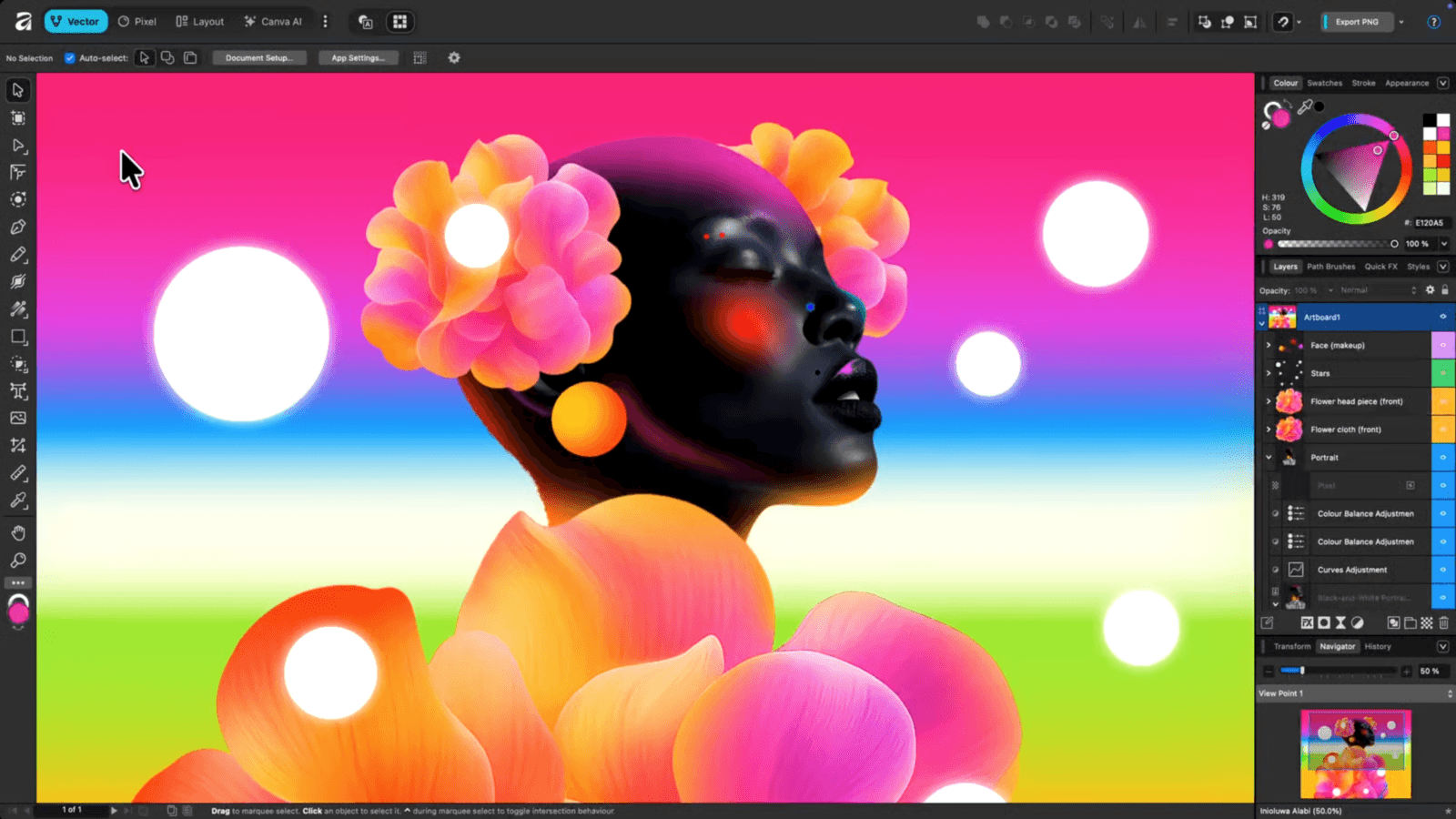
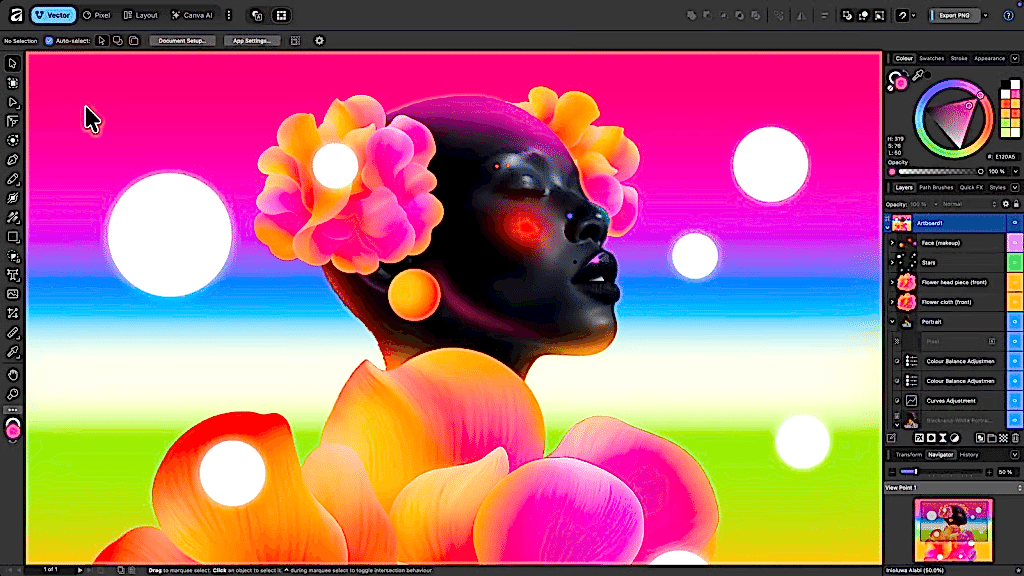
4. Affinity Designer & Affinity Publisher – Affordable and Powerful
- Affinity Designer (similar to Illustrator)
- Affinity Publisher (similar to InDesign)
- One-time purchase, professional-level tools
5. Procreate – Great for Custom Artwork
- Intuitive painting and illustration tools
- Excellent for posters, t-shirt designs, and unique graphics
- Exports high-resolution artwork suitable for print
6. Microsoft Publisher – Simple and Familiar
- Easy for basic flyers, forms, labels, and newsletters
- Accessible and beginner-friendly
- Good export options for print
7. Figma – Great for Collaborative Design
- Cloud-based collaboration
- Clean, flexible design tools
- Export high-resolution PDFs and PNGs
What’s the Best App From Our Experts At A&T Printing?
- Beginners: Canva
- Logos & vector artwork: Adobe Illustrator / Affinity Designer
- Booklets & brochures: Adobe InDesign / Affinity Publisher
- Illustrations: Procreate
- Simple office documents: Microsoft Publisher
- Team projects: Figma
Need Help Preparing Your Files?
From file formats and bleed setup to color profiles and sizing, our team at A&T Printing is always ready to help. Send us your design, and we’ll make sure it prints perfectly!.